 Get PSTR free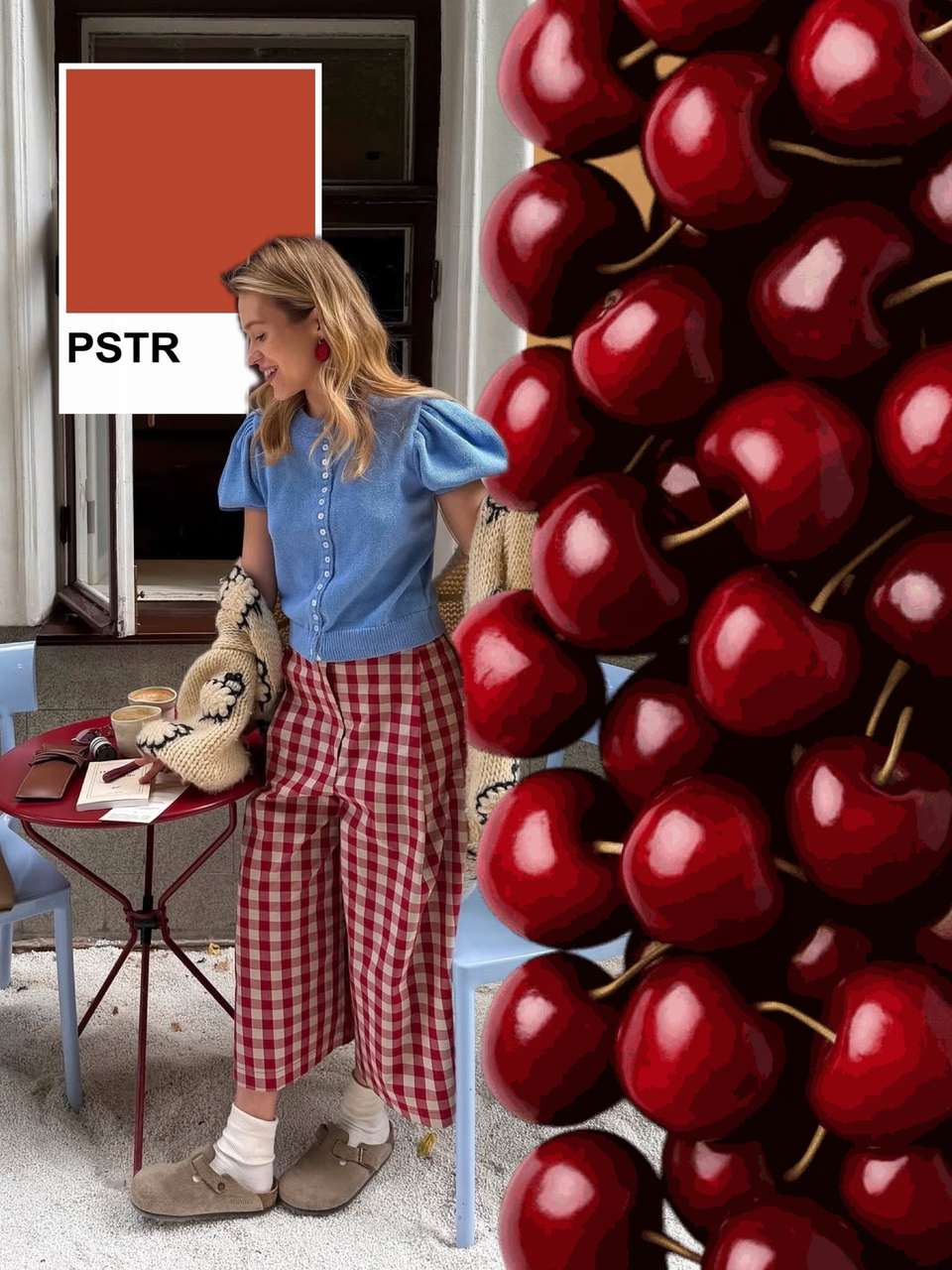
A good carousel template solves the two hard parts: the layout looks designed, and every slide comes out at the right size (1080×1350). Below are the template styles included free in PSTR— with one twist: you don't fill them in by hand. The AI places your photos into the layout for you.
Template styles
Scrapbook. Layered paper, torn tape, stickers, handwritten notes. The signature PSTR look — personal, analog, anti-corporate.
Polaroid. Instant-photo frames with captions, scattered or gridded. Perfect for friendship dumps and event recaps.
Film strip. Contact-sheet frames, grain, edge markings. Turns any set of photos into a roll of 35mm nostalgia.
Photo dump. Loose, overlapping, deliberately unpolished layouts built for the monthly dump.
Minimal grid. Clean margins and aligned frames for when the photos should do all the talking.
Seamless. One continuous canvas sliced into flowing slides — the wow-format, handled automatically.
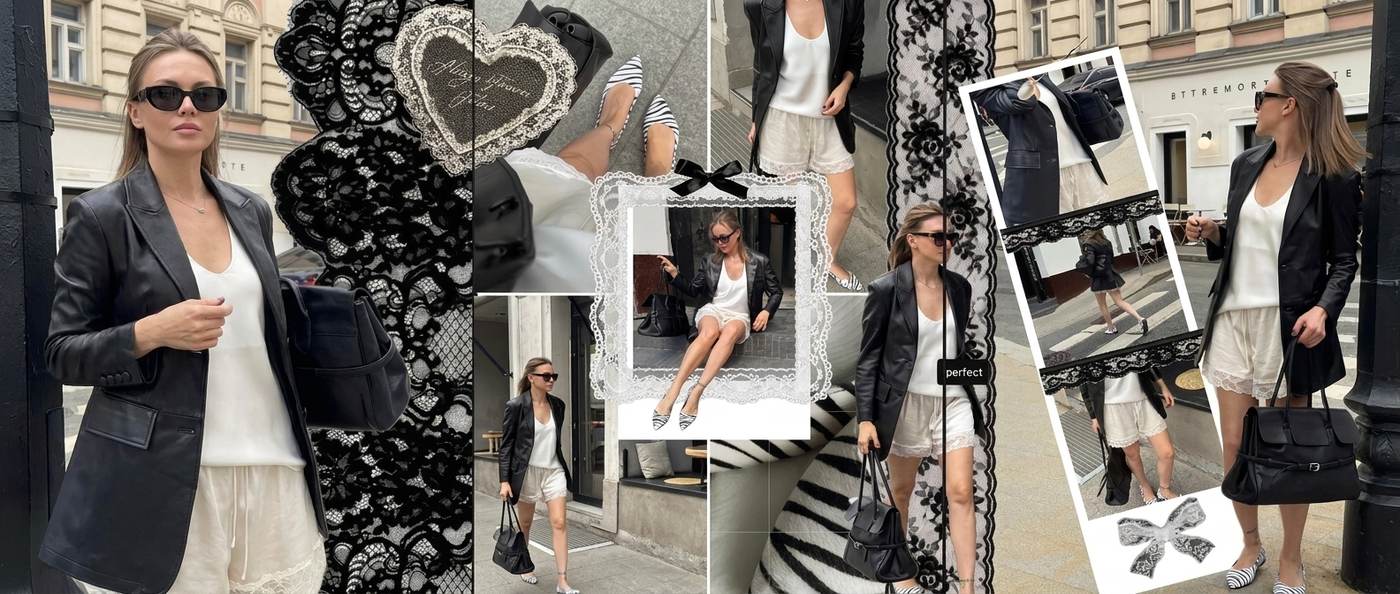
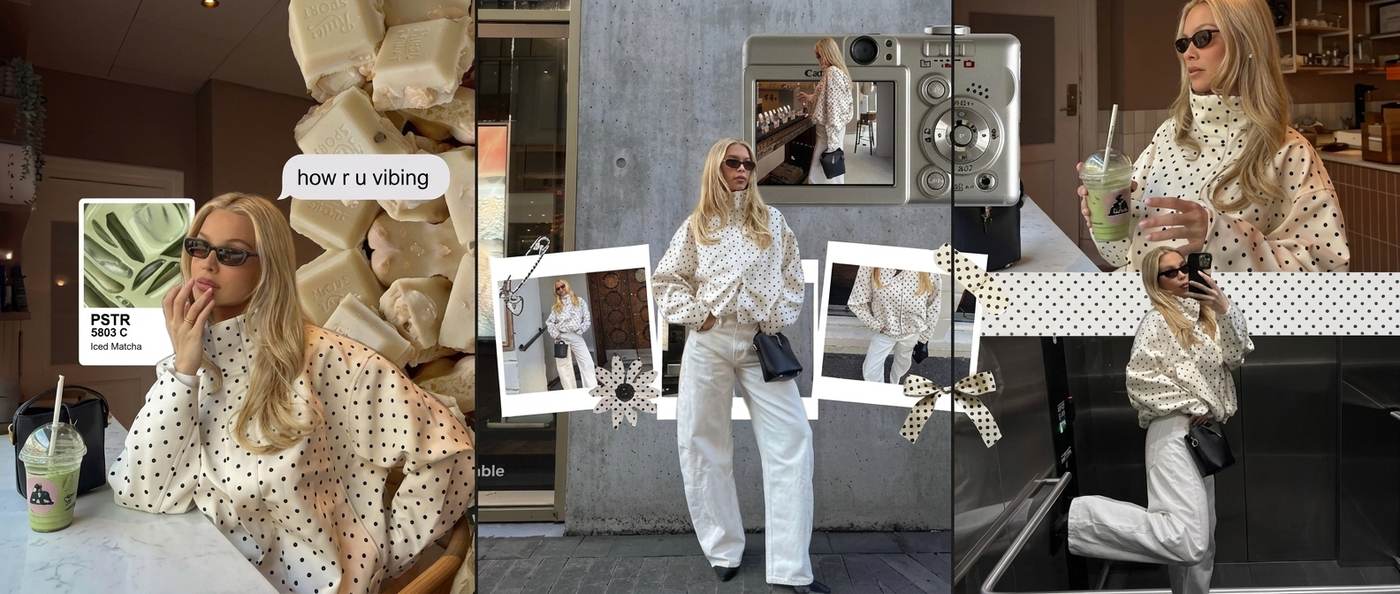
How to use a template
- Get PSTR free (AI tools are currently iPhone-only; an Android app is available too).
- Pick 6–12 photos from your camera roll.
- Choose a style — scrapbook, polaroid, film, minimal, seamless.
- The AI assembles the slides; drag, swap or restyle anything you want to change.
- Export full-resolution 4:5 slides and post (see the posting guide).
Template vs blank canvas vs AI
Blank-canvas editors give control and cost hours. Classic templates speed things up but still mean placing photos one by one — and your post looks like everyone else's who picked the same template. AI assembly is the third option: the layout is generated for your specific photos, so no two carousels come out identical. That's PSTR's whole bet — and why we'd rather show you than tell you: it's free to try with any idea from your camera roll.
FAQ
Are PSTR's carousel templates really free?
Yes. PSTR is free to download and use, including template-based carousels; pro features are optional and by subscription.
What size are the templates?
All layouts export at Instagram's standard 1080×1350 (4:5 portrait) in full resolution, so nothing gets cropped or compressed into mush.
How is this different from Canva-style template editors?
In a classic editor you pick a template, then place every photo by hand. In PSTR the AI does the placement: you select photos, choose a style, and get finished slides — then fine-tune only if you want to.
Can I use the templates for a seamless carousel?
Yes — PSTR's seamless layouts span one continuous canvas across slides and export perfectly aligned slices.
More carousel guides
- Instagram carousel: the complete guide
- How to make a carousel post
- Seamless carousel tutorial
- 20 Instagram carousel ideas
Start with a template, end with your own
Download PSTR free, choose a style, and let the AI fill it with your photos — a finished, full-resolution carousel in minutes.